
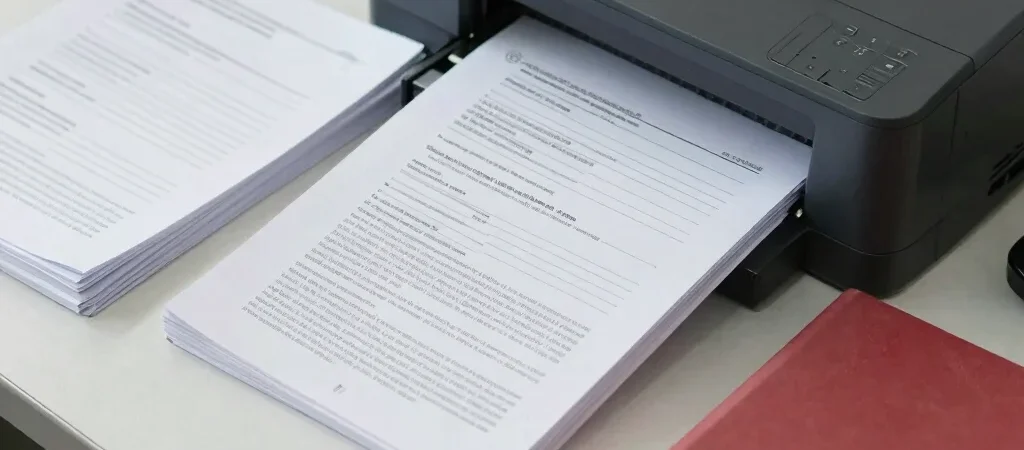
You reach the final page of an online form and find that the document you need is still a paper copy in a folder at home. It is a common, avoidable pause. Before starting an application, gather the required papers and read the form’s upload instructions so you know what to prepare.
Read the Upload Instructions
Different forms can ask for different file types, sizes, or image dimensions, so do not assume one scan will work everywhere. Check the instructions on the actual application page before scanning or resizing documents. Keep the original document available and make sure the scan is clear, complete, and easy to read.
Gather the Details You Need
Set aside the information the form requests, such as your education details or identification numbers, and check it against the source documents before typing. Use a stable email address and phone number you can access, since an application may rely on them for updates or verification. Never share an OTP or password with someone helping you prepare a form; enter those details yourself.
Keep a Record After Submission
Once you submit, save or print the acknowledgment, application number, and any payment confirmation, if applicable. Check that the saved copy opens and that the details look correct before closing the page. If you need printing, scanning, Xerox, or online application assistance, bring the relevant documents and instructions; take personal papers and account access with you when you leave.